Get Reliable Off-Grid Internet (Complete Guide)
Living off the grid doesn’t mean living offline — but getting reliable internet when you’re miles from the nearest cell tower takes more than just plugging in a hotspot. Cellular internet has become the go-to connectivity solution for off-grid cabins, homesteads, and RVs, but the difference between a setup that barely loads email and one that streams video comes down to equipment choices, carrier selection, and antenna placement. We’ve dug into the specs, carrier coverage data, and real-world reports from off-grid communities to put together a practical guide that actually gets you connected.
What You’ll Learn
- How to evaluate cellular coverage at your specific off-grid location before spending a dime
- The equipment stack you need — routers, antennas, and signal boosters — and what each piece does
- Which carriers and plans make sense for heavy off-grid use in 2026
- How to power your cellular setup on solar without draining your battery bank
How Cellular Internet Works Off-Grid (The 30-Second Version)
Your phone connects to cell towers using radio frequencies. When you’re far from a tower — typical for off-grid properties — the signal weakens. A cellular internet setup solves this with three components: a modem/router that accepts a SIM card and creates a local Wi-Fi network, an external antenna mounted high to capture weak signals, and cabling that connects the two with minimal signal loss.
The key metric is signal strength, measured in dBm (decibels relative to a milliwatt). Here’s what the numbers mean:
- -50 to -70 dBm: Excellent. You probably don’t need an external antenna.
- -70 to -90 dBm: Good. A basic setup will work well.
- -90 to -110 dBm: Fair. You need a quality external antenna and proper placement.
- -110 to -120 dBm: Weak. You need a high-gain directional antenna, possibly a signal booster.
- Below -120 dBm: Unreliable. Cellular may not be viable — consider Starlink or a hybrid setup.
Step 1: Test Coverage Before You Buy Anything
Off-Grid Insider
Get off-grid guides & gear picks in your inbox — free
This is where most people waste money. They buy a $400 router and a $200 antenna, get home, and discover there’s no usable signal. Do this first:
Use coverage maps — but don’t trust them blindly. Check T-Mobile, AT&T, and Verizon coverage maps for your property coordinates. These maps show theoretical coverage and tend to be optimistic, especially in hilly or forested terrain.
Do an on-site signal test. Bring phones on at least two carrier networks to your property. Use an app like Network Cell Info (Android) or Field Test Mode (iPhone — dial *3001#12345#*) to read actual dBm values. Test at different spots, especially at elevation — rooftops, hilltops, or even just holding your phone up on a pole.
Check all available bands. LTE and 5G operate on multiple frequency bands. Low-band frequencies (Band 71 on T-Mobile, Band 14 on AT&T) travel farther and penetrate trees better. Your on-site test should note which bands your phone connects to — this determines which antenna you need.
Ask neighbors and local off-grid forums. If someone three miles away has a working cellular setup, find out what carrier and equipment they use. Community reports from forums like r/Rural_Internet and r/OffGrid are often more accurate than any coverage map.
Step 2: Choose Your Modem/Router

The modem/router is the brain of your setup. It holds the SIM card, connects to the cell tower, and broadcasts Wi-Fi to your devices. Here are the categories worth considering:
Budget: Mobile Hotspot Devices ($50–$150)

Devices like the T-Mobile T9 or Netgear Nighthawk M6 work in a pinch but have serious limitations for a permanent off-grid install: small internal antennas, limited external antenna ports, and most cap at 15–20 connected devices. Fine for weekend cabin trips, not ideal for full-time use.
Mid-Range: Dedicated LTE/5G Routers ($200–$400)

This is the sweet spot for most off-grid setups. The Pepwave MAX BR1 Mini and the GL.iNet Spitz AX (GL-X3000) are two of the most recommended options in off-grid communities. Both accept external MIMO antennas via SMA connectors, support band locking (critical for targeting the best signal), and run on 12V DC — perfect for direct solar/battery integration.
Advanced: Enterprise-Grade Routers ($400–$800+)
The Pepwave MAX Transit Duo and Cradlepoint IBR900 support dual SIM cards or dual modems, allowing automatic failover between carriers. Overkill for most homesteads, but valuable if you depend on internet for remote work or medical monitoring.
Step 3: Select and Mount Your Antenna

The antenna is where most of the performance gain happens. A good external antenna can improve your signal by 10–15 dB — the difference between “unusable” and “streaming video.”
Antenna Types

Omnidirectional antennas receive signal from all directions. Easier to install since you don’t need to aim them. Typical gain: 3–7 dBi. Good when you have moderate signal from an unknown tower direction.
Directional/Yagi antennas focus on one direction. Higher gain (10–15 dBi) but must be pointed at the tower. Best for weak signals where you know exactly where the tower is. Use CellMapper.net to locate your nearest towers.
MIMO panel antennas are the most popular choice for off-grid LTE/5G setups. They combine two or four antenna elements in a single panel, supporting the multi-stream technology modern modems use. The Waveform 4×4 MIMO panel antenna is widely regarded as one of the best options, with consistent reports of 10–20 dB improvement from off-grid users.
Mounting Guidelines
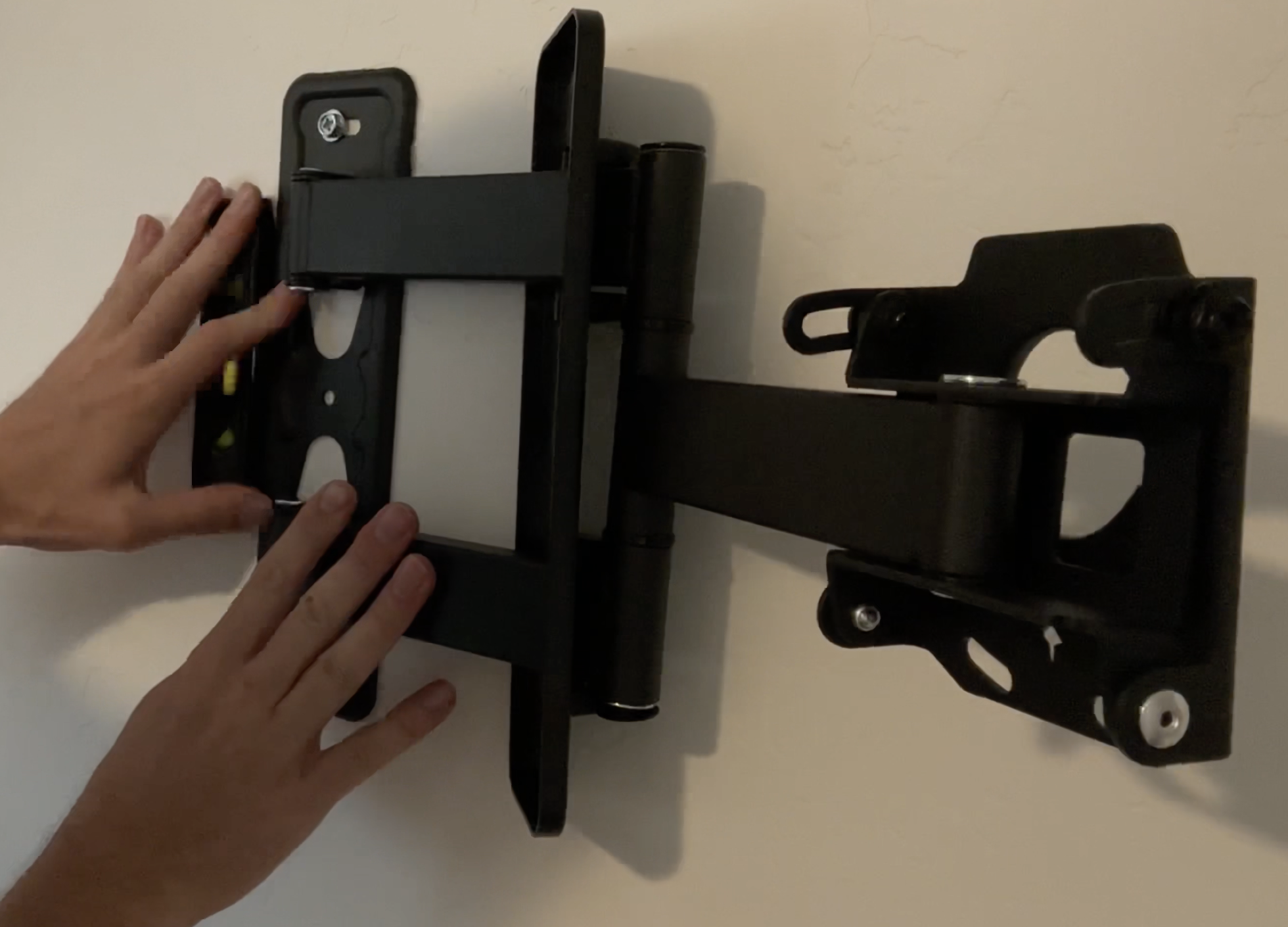
- Height matters more than anything. Every 10 feet of elevation gain can improve signal by 3–6 dB. Mount on the roof peak, a pole mount, or a tree bracket. Many off-grid users mount antennas on 20–30 foot poles.
- Clear line of sight to the tower dramatically improves performance. Trees, hills, and metal buildings all degrade signal.
- Use quality coaxial cable. LMR-400 cable loses about 1.5 dB per 50 feet at LTE frequencies. Cheaper RG-58 cable loses over 5 dB in the same run — that wipes out your antenna gains. Keep cable runs under 50 feet when possible, or mount the router near the antenna and run Ethernet inside instead.
Step 4: Pick a Carrier and Plan

Carriers vary wildly in rural and off-grid coverage. General patterns based on community reports and coverage data:
- T-Mobile has aggressively expanded rural coverage with low-band 5G (Band n71) and their T-Mobile Home Internet plan. In areas with coverage, the home internet plan offers unlimited data for around $50/month with no throttling. The catch: availability is address-locked, and many off-grid addresses aren’t eligible.
- AT&T tends to have the broadest rural LTE footprint thanks to FirstNet (Band 14) infrastructure. Their business/prepaid data plans are popular for off-grid use.
- Verizon has strong coverage in populated rural areas but often weaker in truly remote locations. Their LTE Home Internet is an option where available.
Data plan strategies for off-grid users:
- T-Mobile Home Internet (if available at your address): best value, truly unlimited
- Business/reseller plans: companies like OTR Mobile and Nomad Internet resell carrier data on plans designed for rural and mobile users — typically $50–$100/month for 100GB–unlimited
- Prepaid tablet/hotspot plans: AT&T prepaid offers a 100GB plan for around $55/month that works in standalone routers
Important: Always test with a cheap prepaid SIM before committing to an annual plan or expensive equipment locked to one carrier.
Step 5: Power Your Setup on Solar

A typical LTE router and antenna setup draws 10–20 watts. That’s modest — roughly 240–480 watt-hours per day for 24/7 operation. Here’s what that means for your solar system:
- A single 100W solar panel generates roughly 400–500 Wh/day in good sun — enough to power your internet gear alone
- A small 50Ah 12V lithium battery provides about 600 Wh of usable capacity — enough for overnight and cloudy-day buffer
- Most quality LTE routers accept 12V DC input directly, so you can wire them to your battery bank without an inverter, reducing waste
If your off-grid solar system is already sized for household loads, your internet equipment is a rounding error on your power budget.
Common Mistakes
Buying equipment before testing signal. We see this constantly in off-grid forums: someone spends $600 on a router and antenna, only to discover there’s literally no cellular signal at their property. Always test first with a phone and a cheap prepaid SIM.
Using the wrong antenna type. An omnidirectional antenna in a -115 dBm area won’t help much. When signal is weak, you need a directional or high-gain MIMO panel aimed at the nearest tower. Conversely, an expensive directional setup is wasted if you already have a -75 dBm signal.
Running long coaxial cables with cheap cable. Signal loss in cabling is the silent killer of cellular setups. A 75-foot run of RG-58 cable can lose 8+ dB — more than your antenna gained. Use LMR-400 or mount the router close to the antenna and run Ethernet indoors.
Ignoring band locking. Your router may connect to the strongest-appearing signal, which isn’t always the best for throughput. Band locking forces the modem to use a specific frequency band — often a less congested one — and can double or triple your speeds. Most quality routers support this in their admin interface.
Our Recommendations
Best Overall: Pepwave MAX BR1 Mini + Waveform 4×4 MIMO Panel Antenna
The BR1 Mini is the most recommended off-grid LTE router for good reason: rock-solid reliability, excellent band-locking controls, 12V DC input, and dual SMA antenna ports. Pair it with the Waveform MIMO panel for the best combination of signal gain and ease of installation. Total cost runs $450–$550 for the pair.
Pepwave MAX BR1 Mini on Amazon | Waveform 4×4 MIMO Panel Antenna on Amazon
Best Budget Setup: GL.iNet Spitz AX (GL-X3000) + MIMO Log-Periodic Antenna
The Spitz AX offers 5G and LTE support with external antenna ports at roughly half the price of the Pepwave. It runs OpenWrt firmware, giving advanced users full control. Pair with a directional MIMO log-periodic antenna for weak-signal locations.
GL.iNet Spitz AX GL-X3000 on Amazon | MIMO Log Periodic Antenna LTE on Amazon
Best for Weak Signal Areas: weBoost Destination RV + Any LTE Router
When your signal is below -110 dBm, a powered signal booster can make the difference. The weBoost Destination RV is a bi-directional amplifier that boosts signal before it reaches your router. It’s not cheap (around $450 for the booster alone), but in marginal coverage areas, it’s often the only thing that works.
weBoost Destination RV on Amazon
FAQ
How fast is cellular internet off-grid?
Speeds depend entirely on signal strength and tower congestion. With a good setup (external antenna, -80 to -95 dBm signal), expect 15–50 Mbps download on LTE and 50–200+ Mbps on 5G. In marginal signal areas (-110 dBm+), you might get 1–5 Mbps — enough for email and web browsing but not streaming.
Is cellular internet better than Starlink for off-grid?
They solve different problems. Cellular is cheaper upfront ($300–$600 vs. $500+ for Starlink hardware), has lower latency (30–50ms vs. 40–60ms typical), and uses less power. Starlink generally delivers more consistent speeds (50–150 Mbps) regardless of location and doesn’t depend on cell tower proximity. Many off-grid homesteads use cellular as primary and keep Starlink (or vice versa) as backup.
Can I use a regular phone plan in a cellular router?
Technically, some phone SIM cards work in routers, but carriers’ terms of service typically prohibit this and they may throttle or cancel your line if they detect router usage. Use plans specifically designed for hotspot or home internet use to avoid issues.
How much data does an off-grid household actually use?
A household doing email, web browsing, and occasional video calls typically uses 50–100 GB/month. Add regular video streaming and that jumps to 200–500 GB. If you’re working remotely with video conferencing, budget for at least 150 GB/month. Downloading large files and system updates over cellular adds up fast — schedule these during off-peak hours when towers are less congested.
Do I need a signal booster AND an external antenna?
Usually not — pick one approach. An external MIMO antenna connected directly to your router is the most efficient setup for most off-grid locations. A powered signal booster (like weBoost) is a separate system that amplifies the signal in an area, which then gets picked up by your router’s internal antenna. Boosters add complexity and cost, and they’re really only worth it when passive antenna gain alone isn’t enough — typically in areas with very weak signal below -115 dBm.